While the starter car you receive after first firing up AC Evo is wonderful, the time will come when you fancy upgrading to something different. Fortunately, the title offers a range of other vehicles that you can purchase and drive to your heart’s content.
These cars are all waiting for you in AC Evo’s dealership system, though there are plenty of elements you’ll need to figure out before splashing your virtual cash. This Coach Dave Academy guide will run you through how the car dealership works, and how to end up with the car of your dreams.
How To Enter The Dealership
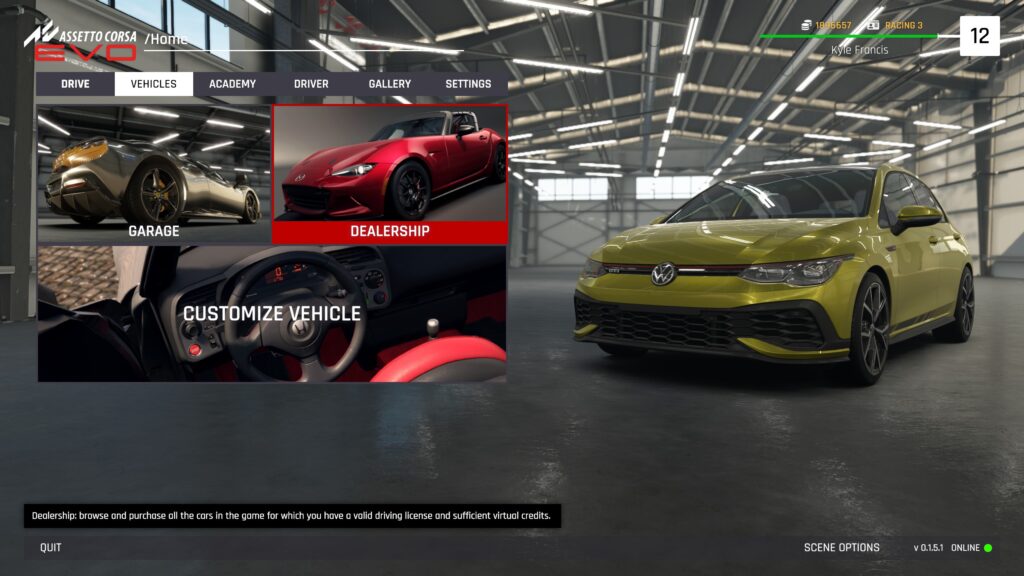
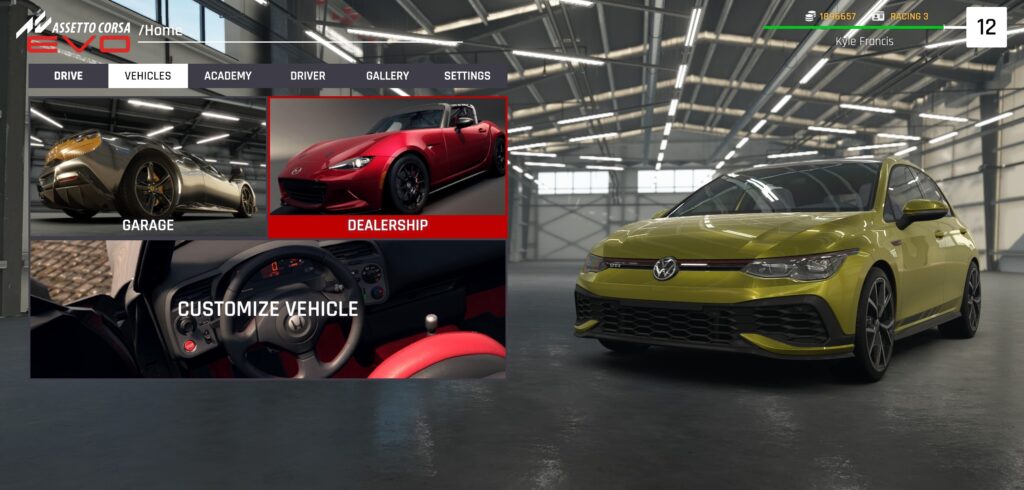
To find your way to the dealership, first click the ‘Vehicles’ tab in the menu running along the top of the main menu screen. From there, click the ‘Dealership’ tab to be transported to the car purchasing interface.
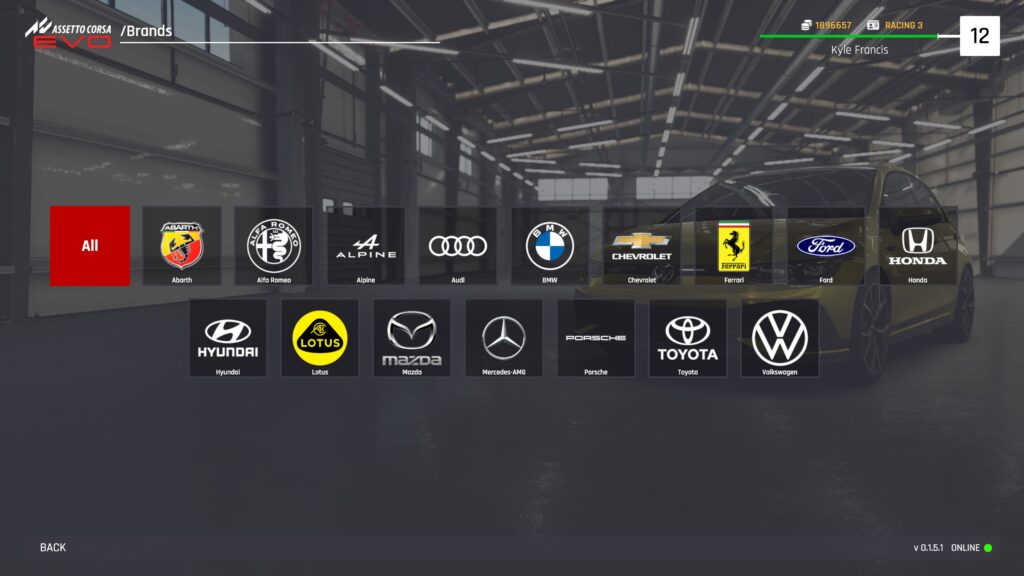
Once entering, you’ll be presented with a screen that shows each vehicle manufacturer currently represented within AC Evo.
- Clicking the tab of the manufacturer will show all cars available from that specific brand
- Clicking the ‘All’ tab on the far left of the menu will display each car in the game in alphabetical order
- A search bar resides above the car selection menu so that you can specifically search for whichever vehicle you’re looking for
Before you purchase a particular car, you’ll need the right AC Evo licence. To find out how to secure each one, Coach Dave Academy has crafted a guide outlining how to obtain them above.
Selecting The Car You Want To Buy
Now you’ve got to grips with looking through the brochure of tempting machinery available to you, it’s time to zero in on the vehicle you want to spend your hard-earned credits on. Every vehicle in AC Evo is represented by a square information tab, which includes its picture and some important information you need to know about it.
- The performance rating is shown as the number in the top right corner of the tab
- The license needed to buy and drive the vehicle is noted on the bottom left
- The price of the car (in credits) is labeled in the bottom right corner
- With models that come in more than one configuration (such as the manual and sequential Mazda MX-5 Cup), the number of versions available will be noted alongside its name at the top of the tab
After you click on a particular car, you’ll be presented with the different available trim levels of the vehicle.
- The respective performance rating and cost are displayed on the corresponding information tab
- The name and specific contents of each trim level are noted below the model name
To keep up with all the cars currently featured in AC Evo, refer to Coach Dave Academy’s guide outlining each and every model that is included in the title.
Customising The Vehicle To Your Preference
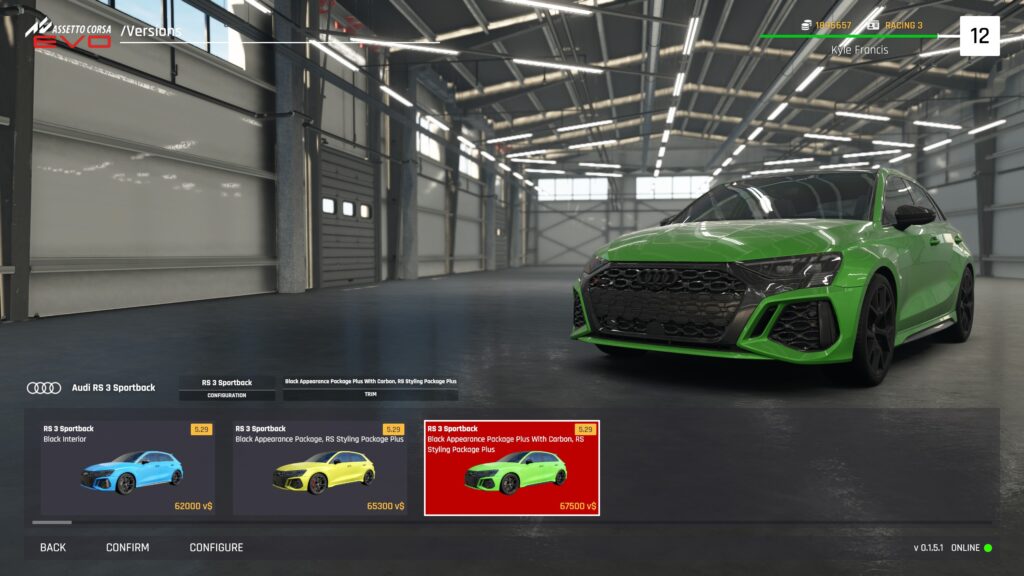
Having now selected the model you want to buy, now comes the fun part; customising it to your personal taste. Before you click the purchase button, click the ‘Configure’ tab at the bottom left of the screen. This will take you to the garage screen, where you can check out the car you’re buying.
- You’ll have access to scene options and car controls so that you can have a good look around your potential new pride and joy before you buy
- At the bottom left of the screen, you’ll find a selection of tabs representing the different areas of the car you can alter, such as the interior trim color and exterior options like the wheel color and body modifications.
- Work your way through the options until you end up with the specification you want, and click ‘Apply’
From there, click the ‘Confirm’ tab that is placed next to the ‘Configure’ button. You’ll be presented with the chance to test your car at Brands Hatch before you sign on the dotted line, just in case you don’t find the vehicle’s handling to match its style.
If you’re happy with the car, click ‘Purchase’ and voila! Your new weapon can be found in your personal garage waiting to be pushed to within an inch of its life.
Wrapping Up
Once you’ve purchased a couple of cars, understanding how to efficiently purchase and modify your latest acquisition will become second nature. Knowing how to easily find your way through the menu will prove extremely useful as more and more cars and manufacturers get added to the game, so learning the system before the game gets flooded with new metal will pay dividends.
If you’re looking to find out more information about the AC Evo Early Access plan, Coach Dave Academy’s extensive guide covering it is available now.