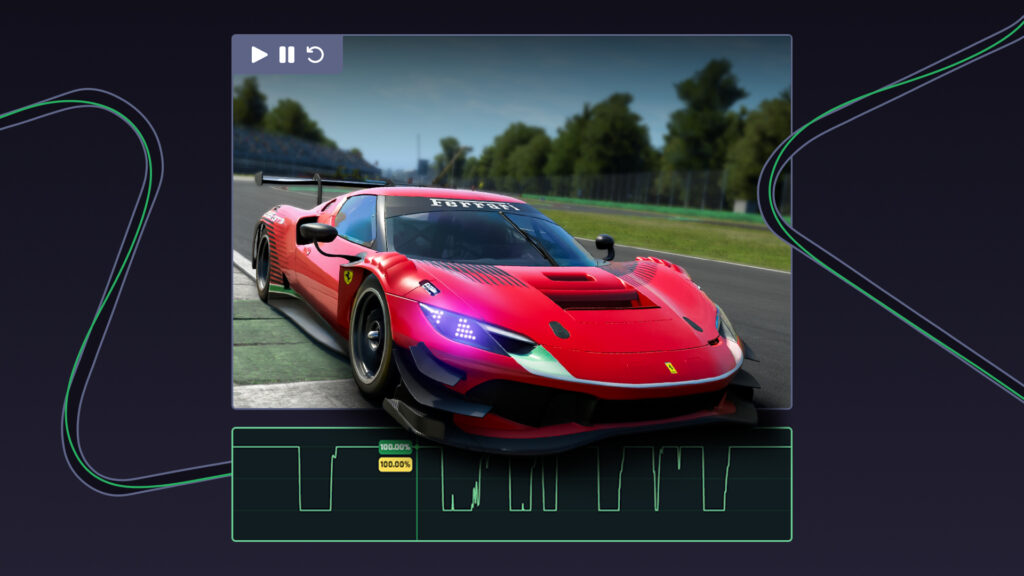
When we launched Version 1 of Video Analysis back in April, we launched it with Pro driver’s laps available only. It’s safe to say you loved being able to bring that data to life and see, side by side, where and how to improve using telemetry and video.
We also teased that, further down the line, Video Analysis would be made available for you to study your own telemetry data with video. Well, that day has arrived, and it’s live to use right now with Le Mans Ultimate, iRacing, ACC and AC Evo!
What is Video Analysis
To recap, if you are seeing this for the first time, Video Analysis is our live video playback feature synced to telemetry data, inputs, and racing lines. You can now watch your own laps, a professional driver’s lap, or a competitor’s lap in Delta and see exactly what’s going on with the car, all in perfect sync with the telemetry data traces you already know and love, enhancing how you look at telemetry data even more.
Video Analysis isn’t a simple YouTube video running alongside your graphs, either. It is a frame-by-frame, input-by-input synchronised video that lets you scroll over any lap, any corner, any sequence, and understand visually what the telemetry data has been telling you all along to improve your lap times.

Setup IQ, AI Coaching, Telemetry Data, Leaderboards, Never Lift and Video Analysis - all in Delta for Le Mans Ultimate, iRacing, ACC and AC Evo. Everything you need to win and get faster as a driver in one subscription.
How Video Analysis Works Now
Previously, Video Analysis worked by going to the Delta Leaderboards and selecting a pro lap that had a video icon next to it. This would load the lap, telemetry data, and video all at once for you to study. This part still exists, and nothing has changed here.
Thanks to Video Analysis going live, you can now select any lap on the Delta Leaderboards – a pro driver, a fellow competitor, or your own. Just make sure the video icon is visible.
Global Leaderboard Updates
Because of this, there are a few quality-of-life updates you will notice with the Leaderboards. Firstly, all of your own laps now become ‘sticky’, meaning you will always be able to see your own lap for any combination, regardless of position. It used to be that only the top 100 times were visible; now, if your lap sits outside the top 100, you can still access it on the leaderboards.
Then, on the right side of the Leaderboards, where you find your suggestions to climb up the ranks, with your sector-by-sector lap times, you will now also find that your lap has a video icon next to it; you can click that widget for faster navigation to Video Analysis.
Video Analysis in Session History
There is a further layer to Video Analysis for you as well, and that’s to do with your Session History. Now, whenever you complete a session in Delta, your fastest lap will come with Video Analysis ready for you to watch back with your data, and any time you set a faster lap on the same combination, Video Analysis will update with that lap.
In your Session History, Delta automatically loads the fastest available lap with Video Analysis from the Delta leaderboards, so you’ve always got a quicker reference to compare against and learn from. By default, this won’t be your own lap. To view yours instead, open the Ranks tab on the left, then click your lap – your video will load in its place.
Coming Next For Video Analysis
We’re not stopping there for Video Analysis. As this new update for you releases today, we are already working on the next feature, which will allow you to analyse two videos side-by-side, meaning you will be able to compare your lap and a faster lap together alongside the telemetry data, improving on the current build that can only let you watch one video at a time.
Delta Gives You Ultimate Value
Video Analysis is included in your existing Delta subscription at no extra cost or add-on. If you’re a Delta subscriber, you have access to it right now. If you’re not subscribed yet, there’s never been a better time.
For $12.50/month or $109/year, you get unlimited Setups, AI Coaching, Data Analysis, Telemetry Tools, Leaderboards, the Never Lift coaching course, sim racing discounts and now Video Analysis – the value of Delta just keeps increasing for you like nothing else in sim racing.
You can try Delta for yourself here: Subscribe to Delta
Setup IQ, AI Coaching, Telemetry Data, Leaderboards, Never Lift and Video Analysis - all in Delta for Le Mans Ultimate, iRacing, ACC and AC Evo. Everything you need to win and get faster as a driver in one subscription.