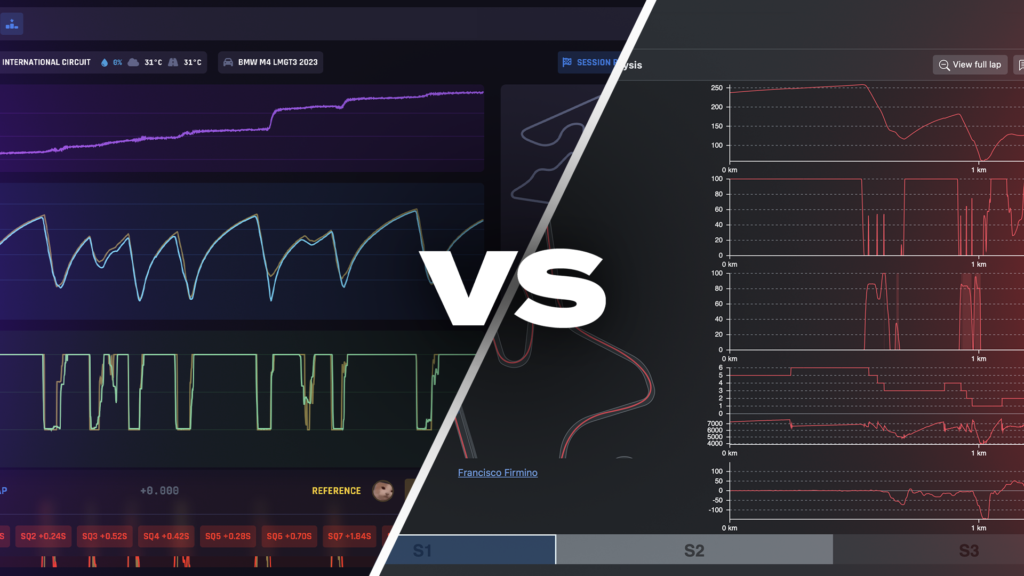
Garage 61 and Coach Dave Delta both help you find lap time in iRacing. They go about it in very different ways.
Garage 61 is a free iRacing telemetry platform. It records every lap you drive and lets you compare it with laps from other drivers in the same car. Setups and ghost laps are shared by the community.
Coach Dave Delta is a paid desktop app that covers seven sims. It installs pro iRacing setups for you, then uses Auto Insights to tell you where you are losing time and what to change.
We make Delta, so we have a side in this. We have tried to be fair. Garage 61 is a good tool, and for some drivers it is all they need. Here is how they compare.
The quick answer
- Choose Garage 61 if you only race iRacing, you are happy reading telemetry yourself, and you want a free tool with a huge lap database and strong team features.
- Choose Delta if you want setups built by pro drivers installed for you each week, plain-English coaching on where you lose time, or you race more than one sim.
- Use both if you race iRacing seriously. They do different jobs, and Garage 61’s free tier costs nothing.
Garage 61 vs Delta at a glance
| Garage 61 | Coach Dave Delta | |
| Price | Free. Pro is €5 a month billed yearly | £11.99 a month or £109 a year ($11.99 / $109). Varies by country |
| Free tier | Yes. Keeps your last year of data | No. No free trial at the moment |
| Sims | iRacing only | iRacing, ACC, Le Mans Ultimate, AC EVO, Assetto Corsa, AMS2 and GT7 |
| Where setups come from | Other users. Shared by default unless they make them private. Not curated | Coach Dave pro drivers and engineers. iRacing setups are built by 10k+ iRating drivers |
| Setup install | Sync: add a setup, or a setup shop’s data pack, and the agent puts it in iRacing | Installs the setups for your session when you join (iRacing, ACC, LMU and AC EVO). In iRacing: the latest week for up to eight matching series |
| AI coaching | No | Yes. Auto Insights shows the corners where you lose most time and what to change |
| Telemetry and lap analysis | Yes. Detailed browser analyser, line distance, fuel and tyre stats, CSV export | Yes. Racing lines, braking, throttle and gears against a reference lap |
| Reference laps | Any shared lap in a database of hundreds of millions, plus ghost laps | Reference laps from Coach Dave pro drivers, plus lapfiles and replays in iRacing |
| Video | No | Side-by-side video of your best lap against the reference |
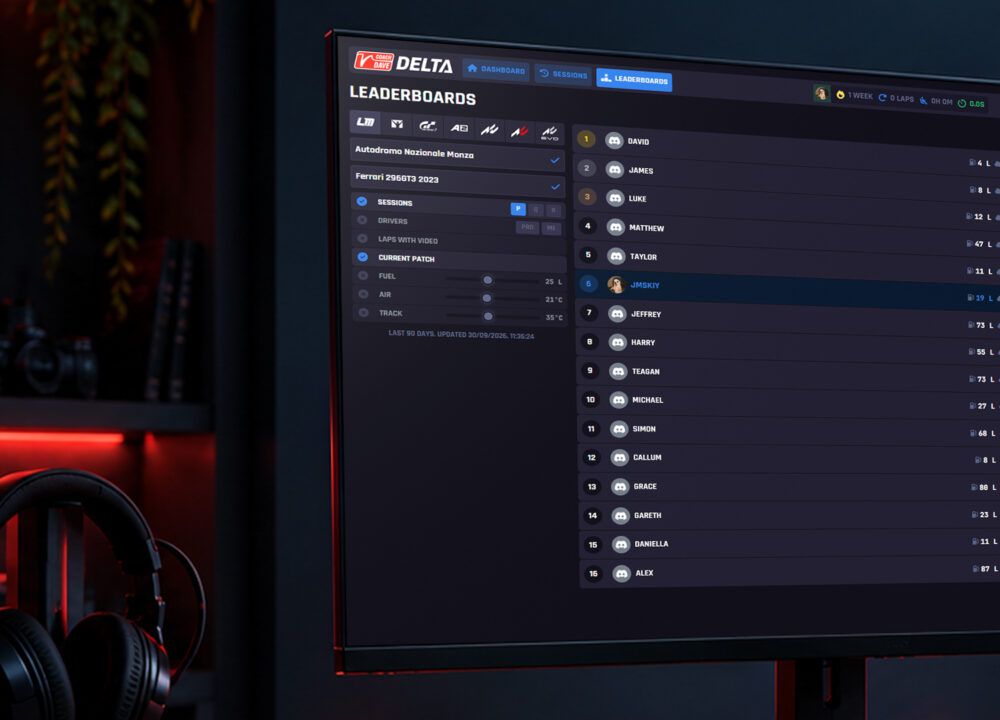
| Leaderboards | Yes. Lap records per car and track | Yes. Leaderboards, ranks and goals |
| Teams and sharing | Strong. Team pages, shared setups and ghosts, live analysis notes, iRacing team linking | Share and export sessions. No team pages |
| Live timing | Yes, free since May 2026 | No |
| Platform | Windows agent plus a web app that works on your phone | Windows desktop app. Review sessions in a browser. GT7 via a Mac or PC on the same network |
| Best for | iRacing drivers who like data, and teams | Drivers who want setups and coaching done for them, on any of seven sims |
What is Garage 61?
Garage 61 is a telemetry platform for iRacing. You install a small Windows agent, and it records your driving in the background. Your laps upload to garage61.net, where you analyse them in the browser.
The big draw is scale. Garage 61 says it has more than 100,000 users and hundreds of millions of laps. For almost any car and track you can find a faster driver’s lap and compare it with yours, corner by corner.
It is run by a small, self-funded team. In 2025 it merged with iTelemetry and iRacePlan, and in 2026 it added full live timing.
How setups work on Garage 61
Garage 61 is not a setup shop. Setups on Garage 61 are the setup files other users drove with. If a driver shares their setups, you can see and download the setup they used on a lap.
That makes it easy to find a setup for most combinations. It also means quality varies. A setup from a fast lap may suit that driver’s style or the conditions on the day, and nobody has checked it.
Paid setups are protected. Garage 61 detects setups from setup shops and hides them from public download. Some shops, such as Grid & Go, deliver their setups to their own customers through Garage 61 instead.
When you add a setup or ghost lap, the agent syncs it into the right iRacing folder within seconds.
Where Garage 61 is stronger
- It is free. The free tier covers recording, analysis, ghost laps and the shared lap database. Pro is cheap if you want more.
- A huge comparison pool. You can compare against far more drivers than any curated reference set.
- Teams. Shared setups and ghosts, team leaderboards, live notes on an analysis, and iRacing team linking.
- Live timing. Free live timing with a track map, gaps, stints and iRacePlan strategy. Useful for endurance teams.
- Raw data depth. If you like digging through traces yourself, the analyser gives you plenty to work with, and you can export CSV.
- Works in a browser. You can review laps on a phone or tablet.
Where Delta is stronger
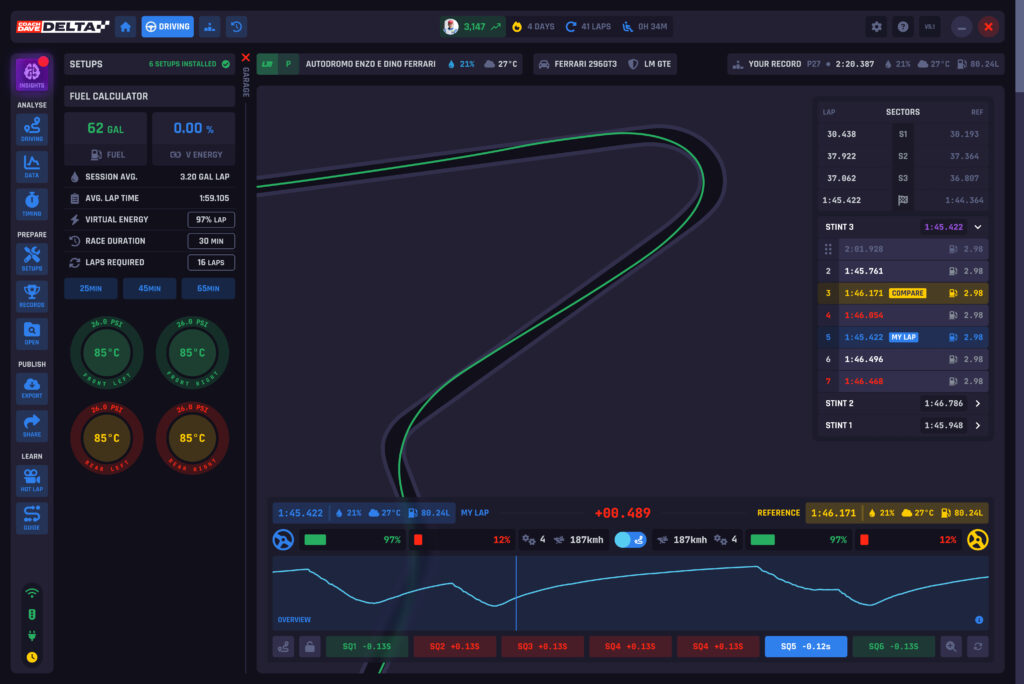
- Pro setups, installed for you. Join a session and the right setups are already there. In iRacing that means the latest week’s setups for up to eight of your series, in a Coach Dave Academy folder. You can add pro lapfiles and replays too.
- A known source. Our iRacing setups come from a team of 15 full-time drivers and engineers, led by Yuri Kasdorp, all 10k+ iRating. New setups land every week in line with the schedule, and special events land one to two weeks early.
- It tells you what to change. Auto Insights picks out the corners where you lose most time and explains why: braking, entry, apex or exit. Garage 61 shows you the data. You work out the answer.
- Video. Watch your best lap side by side with the reference lap.
- Seven sims. ACC, Le Mans Ultimate, AC EVO, Assetto Corsa, AMS2 and GT7, not just iRacing.
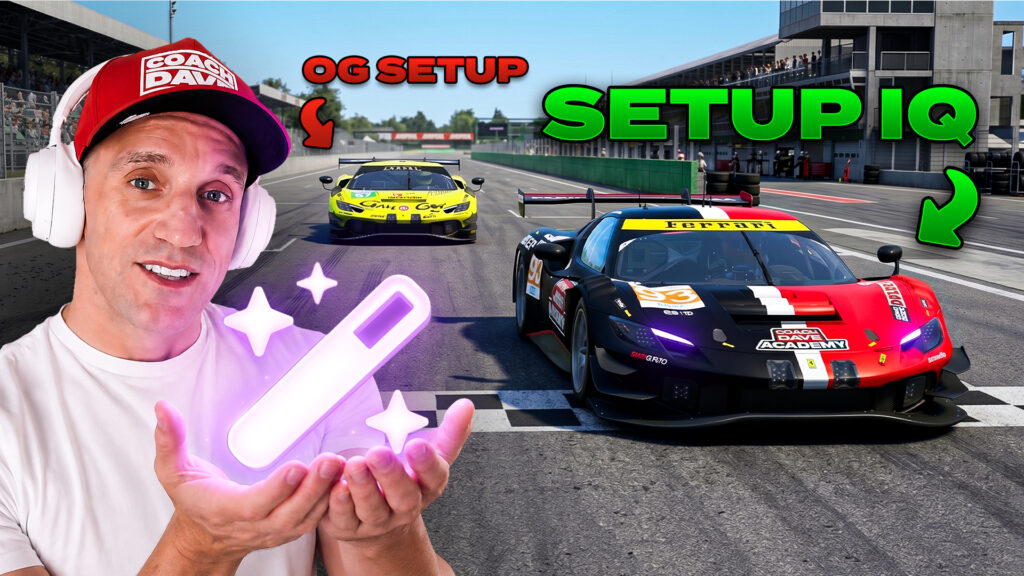
- Extras. Setup IQ tuned setups in ACC and LMU, tyre pressures matched to the session in ACC, a fuel estimator, session history, goals and ranks, and the Never Lift driving course.

Setup IQ, AI Coaching, Telemetry Data, Leaderboards, Never Lift and Video Analysis - all in Delta for Le Mans Ultimate, iRacing, ACC and AC Evo. Everything you need to win and get faster as a driver in one subscription.
Where each falls short
Garage 61
- iRacing only.
- No coaching. You need to read the telemetry yourself, or pay for a tool that interprets it.
- Setups are unvetted, and the fastest drivers may keep theirs private.
- Your data is shared with other members by default. You can change this for each category.
Delta
- It costs money, and there is no free tier or free trial at the moment.
- No team pages or live timing.
- Windows only for recording (GT7 needs a Mac or PC on the same network).
- Our iRacing coverage focuses on road racing. We do not cover dirt series, and only some short ovals.
- Our reference laps come from our own pro drivers, not a database of millions.
Can you use Garage 61 and Delta together?
Yes, and many iRacing drivers get the most out of both. They do different jobs.
Delta gives you a pro setup and a clear plan for where to find time. Garage 61 gives you a free record of every lap and a huge pool of drivers to compare against, plus team tools and live timing.
A simple routine: let Delta install your setups and run Auto Insights in practice. Use Garage 61 to compare with your teammates, or to check a specific corner against other drivers.
If you only race iRacing and want to spend nothing, start with Garage 61. If you race other sims, or you want setups and coaching handled for you, Delta is the better fit.
Who each is for
Garage 61 suits you if
- You only race iRacing.
- You enjoy reading telemetry and working things out yourself.
- You race in a team or in endurance events.
- You want a free tool first.
Delta suits you if
- You want pro setups ready when you join a session.
- You want to be told where you are losing time and what to change.
- You race ACC, LMU, AC EVO, Assetto Corsa, AMS2 or GT7, not just iRacing.
- You have limited time and want to spend it driving, not sorting files.
Garage 61 FAQ
Yes. Garage 61 has a free tier that records your laps and gives you access to shared telemetry, ghost laps and setups. Free accounts keep the last year of data. Pro costs €5 a month billed yearly and adds unlimited storage, advanced filters and team features.
Yes, but they are community setups. Other users share the setup they drove with, and you can sync it to iRacing. Nobody checks them for quality. Garage 61 hides setups bought from setup shops, although some shops deliver theirs to their own customers through Garage 61.
No. Garage 61 supports iRacing only. Delta covers ACC, Le Mans Ultimate, AC EVO, Assetto Corsa, AMS2 and GT7 as well as iRacing.
No. Garage 61 gives you the data and the comparison tools, and you interpret them. Delta’s Auto Insights picks out the corners where you lose most time and tells you what to change.
Yes. Both run alongside iRacing. Many drivers use Delta for setups and coaching, and Garage 61 for free lap history, team sharing and live timing.
It depends what you want. For the same free, data-led approach there are few like-for-like options in iRacing. If you want curated setups and coaching, or you race more than one sim, Delta is the closest all-in-one alternative. For a wider look, see our <a href=”https://coachdaveacademy.com/tutorials/best-iracing-setup-subscriptions-in-2026-compared/”>iRacing setup subscriptions comparison</a>.